

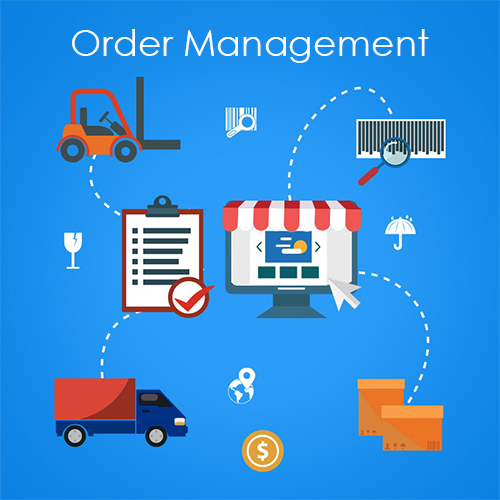
Once the user has logged into the dashboard as an admin, on the left side pane the admin can either can either track orders or create an order. To create an order, the admin has to select a site and select the users for which it is to be created from the drop-down list.
The drop-down list with shows all the details of his shipping information like name, address, city, country and state. Then the admin can keep the billing address the same as shipping address or create a new billing address. You can add the items using the ‘Add Item’ button and add products to the order.
Once that is done the order details page is generated. Payment information is shown with the details of payment options available. Once the order is processed the admin can track the order.
For a quick demo on order management, click on the link below –

2 comments